 +1 (800) 844-6603
 Follow Us






Stock shrinkage costs retail businesses billions every year—and outdated tools only make the problem worse. A reliable POS system with inventory management solves this by combining sales processing and real-time stock tracking into a single, unified platform. Consequently, business owners eliminate manual errors, reduce overheads, and maintain accurate stock levels across multiple locations. Beyond basic transactions, these systems provide deep data insights, helping you instantly identify theft or administrative discrepancies. In this guide, you will discover how the right solution transforms daily operations, protects your bottom line, and drives long-term growth by automating the most tedious aspects of retail operations.
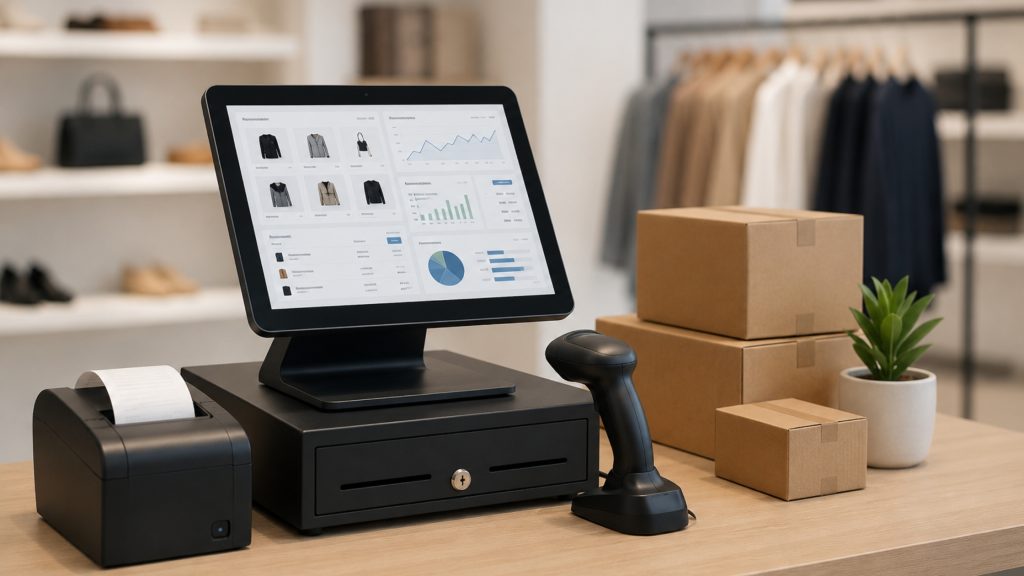
The Mechanics of a Unified POS and Inventory Solution
A POS system with inventory management is software that processes customer transactions and simultaneously updates stock records in real time. Furthermore, it generates purchase orders, tracks supplier deliveries, and alerts managers when stock falls below a set threshold. Therefore, businesses avoid costly stockouts and never over-order slow-moving products.
Modern solutions also connect to online ordering channels, loyalty programmes, and accounting tools. As a result, every department operates from the same accurate dataset. Additionally, cloud-based dashboards allow owners to review performance from any device, at any time.
How Real-Time Data Synchronization Eliminates Retail Blind Spots
A POS system with inventory management works as the control center of a business. Every barcode scan records a sale and instantly deducts stock from your digital inventory. As a result, your shelves and records stay aligned. By connecting checkout with the stockroom, the system removes manual end-of-day counts. It also shows which products sell fast, which sit idle, and when to reorder. Modern systems go further by using past data to predict future demand, helping you avoid excess stock and prevent popular items from running out.
Essential Inventory Software Features
Not all inventory software delivers equal value. Therefore, evaluating core capabilities before purchasing remains crucial.
1. Real-Time Stock Tracking
Every sale, return, or adjustment updates instantly across the system. Consequently, staff view accurate stock without manual counts. Moreover, managers receive low-stock alerts for proactive reordering.
2. Purchase Order Automation
Advanced retail POS platforms automate purchase orders using predefined reorder points. Furthermore, the system tracks supplier lead times. As a result, businesses maintain lean inventory without supply gaps.
3. BoM and Recipe Management
Restaurants benefit from Bill of Materials functionality. Specifically, the system deducts ingredients whenever a menu item sells. Therefore, managers know how to manage remaining kitchen stock and reduce food waste.
Together, these features improve stock control, reduce errors, and support faster decisions. Therefore, the right inventory software improves daily efficiency.
The Strategic Advantage of Transitioning to an Integrated EPOS System
An EPOS system goes far beyond a simple cash register. However, many business owners still rely on spreadsheets and disconnected tools that create data silos. Additionally, manual processes introduce human error and slow down service. Consequently, customer satisfaction drops and revenue suffers.
By contrast, an integrated retail POS solution centralises every business function. Specifically, it connects payments, inventory, staff management, loyalty programmes, and reporting under one roof. Therefore, owners make faster, more confident decisions backed by accurate live data.
Benefits of a Unified POS System with Inventory Management
Companies using a unified POS system with inventory management report consistent, measurable improvements. These operational gains compound over time as teams master the platform.
- Reduced Shrinkage and Waste: Real-time tracking identifies discrepancies immediately, so managers address theft or spoilage before it escalates.
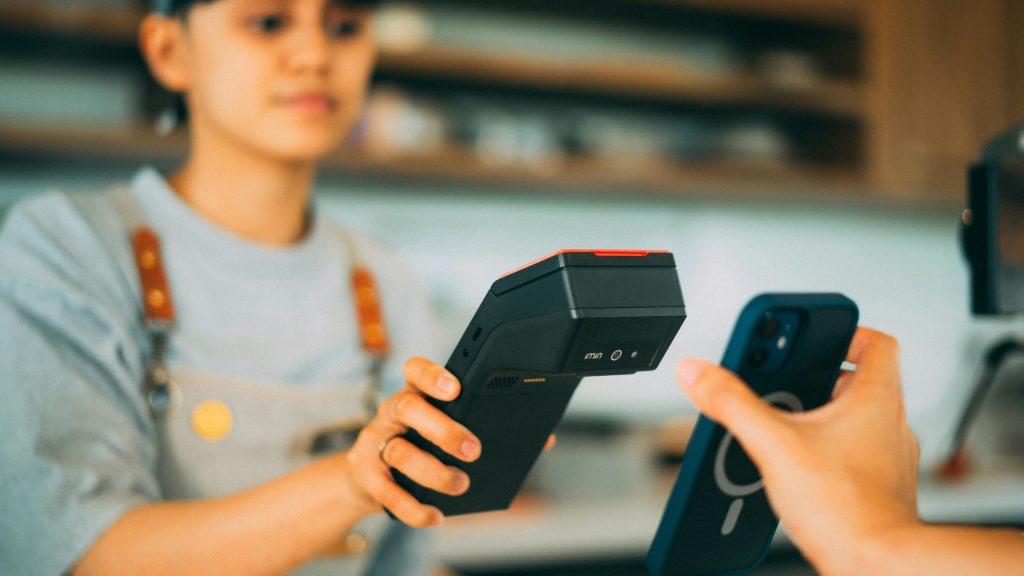
- Faster Checkout Experience: An efficient EPOS system processes payments quickly, which reduces queues and improves the customer experience during peak hours.
- Accurate Financial Reporting: Integrated data produces precise profit reports, helping owners identify top products and optimize purchasing.
- Offline Reliability: Leading systems work offline, so restaurants and retail stores never lose sales during internet outages.
Together, these benefits create smoother operations, stronger control, and better customer service. Therefore, a unified POS system supports long-term business growth. Learn more about Best POS System for Restaurants.
Common POS Selection Mistakes
Many businesses choose a POS system too quickly. Therefore, they miss important features that affect daily operations, growth, and long-term efficiency.
Mistakes That Hurt Business Performance:
- Choosing only by price: Low-cost systems may lack essential business features.
- Ignoring scalability: Limited platforms can restrict future business growth.
- Overlooking integrations: Poor connectivity creates operational delays and data gaps.
- Skipping support checks: Weak support can disrupt sales during busy hours.
Careful evaluation helps businesses choose a POS system that supports smoother operations and better long-term results.
Selecting the Right Inventory Solution for Your Business’s Scalability
The right inventory software should match your business needs, budget, hardware, and daily workflow. Therefore, evaluate flexibility before making a final decision.
- Business Type Support: Choose software built for restaurants, retail stores, or multiple locations.
- Cost and Trial Options: Check pricing, demos, subscriptions, and hardware costs before committing.
- Customer Support Quality: Ensure quick support is available during active business hours.
- Hardware Compatibility: Select software that works with your existing devices and printers.
The right choice reduces costs, improves efficiency, and supports smoother business growth.

Maximizing Operational Intelligence Through Advanced POS Integration
Advanced POS integration helps businesses move beyond basic billing and stock tracking. Therefore, owners can protect margins, reduce manual work, and make faster decisions.
- Dynamic Loss Prevention & Accountability.
- Automated Product Life-Cycle Management.
- Mobile Stock-Take Capabilities.
- Unified Customer-Stock Insights.
These integrated features empower owners to protect their margins, reduce manual labor, and make informed decisions that drive sustainable growth.
Conclusion
A pos system with inventory management is no longer optional for modern businesses. It improves stock accuracy, speeds up daily operations, reduces manual errors, and supports smarter data-driven decisions. Therefore, investing in the right solution can significantly improve business performance, customer service, and long-term profitability. For businesses seeking a reliable, scalable, and easy-to-manage platform, Orocube POS offers advanced features designed to streamline sales, simplify inventory control, and optimize overall business management effectively.