 +1 (800) 844-6603
 Follow Us





An online ordering management system is software that lets customers place food or product orders through a website, app, or social channel, then automatically routes those orders to staff or a kitchen. It typically handles menu display, payment processing, order tracking, and POS integration — replacing manual phone orders with a streamlined digital workflow.
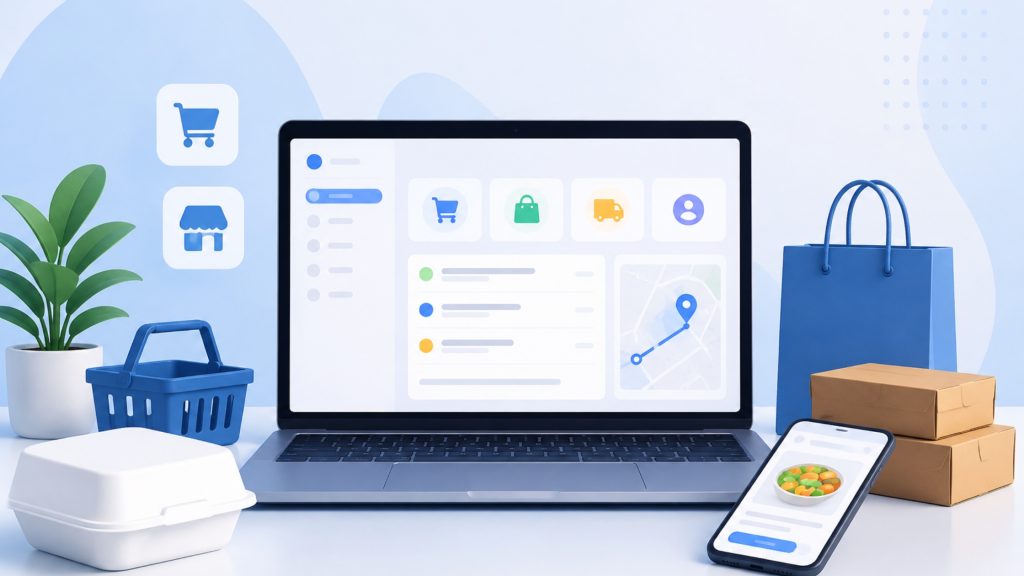
What Is an Online Ordering Management System?
An online ordering management system connects your customers directly to your operations through a digital interface. When a customer submits an order, the system captures payment, confirms the order in real time, and sends it to the appropriate fulfillment point — your kitchen, counter, or delivery driver. No phone calls. No handwritten tickets. No missed orders.
These platforms range from entry-level tools like Square Online Ordering, which suits small businesses just getting started, to enterprise-grade solutions like Olo, which manages the full guest journey including ordering, payments, delivery, loyalty programs, and marketing in a single unified platform. The right system depends on your order volume, existing hardware, and growth plans.
Restaurant technology has shifted dramatically in the past five years. According to the National Restaurant Association, more than 60% of adults now order delivery or takeout at least once a week. A well-implemented online ordering system captures that demand without adding labor costs.
Core Features Every System Must Have
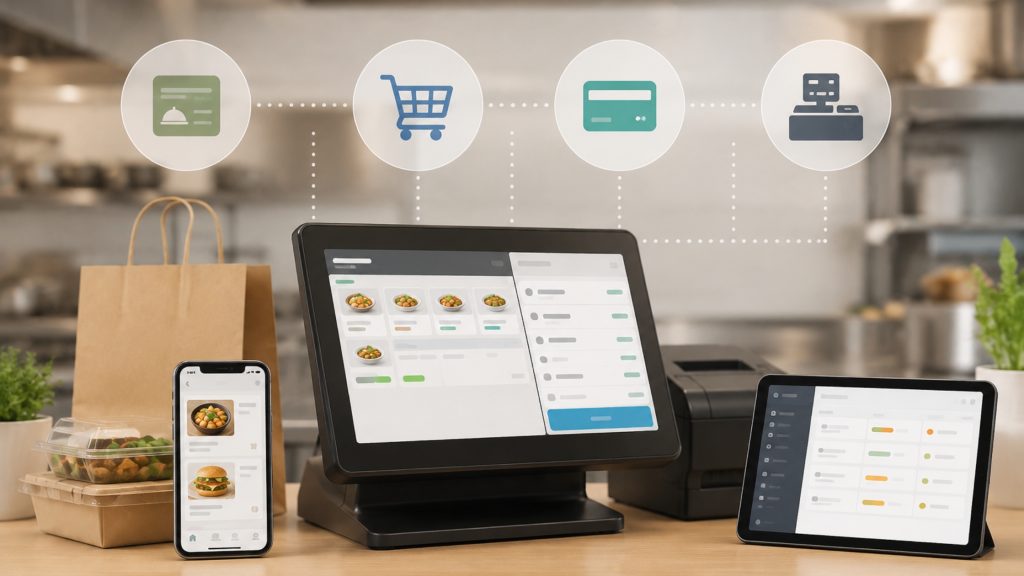
Before evaluating any vendor, identify the non-negotiable capabilities your operation requires. Four features belong on every shortlist: menu management, order routing, payment processing, and POS integration. A system missing any one of these will create operational gaps that hurt both staff efficiency and customer experience.
Order routing determines where each order goes after payment clears — directly to a kitchen display system, a printer, or a staff tablet. Payment processing should support major credit cards, digital wallets like Apple Pay and Google Pay, and ideally stored customer payment methods for faster repeat orders. Weak payment infrastructure is a common reason first-timers switch platforms within 12 months.
For a broader view of how these features compare across current platforms, the KitchenHub 2026 software comparison provides a useful vendor-neutral reference.
Menu Management and Real-Time Updates
Live menu sync prevents overselling items you’ve run out of and eliminates the customer complaints that follow. If a customer orders a sold-out special and you have to call them to cancel, you’ve already damaged trust. Real-time menu management removes that failure point entirely.
A strong menu management module lets you update prices, toggle item availability, add modifiers, and schedule limited-time offers — all without touching code. Square Online Ordering, for example, lets owners push menu changes from a single dashboard that syncs instantly across all ordering channels. That kind of control matters on a busy Friday night when you run out of a popular item at 7 p.m.
Look for systems that support 86-ing (marking items unavailable) with a single tap from a mobile device. If a manager has to log into a desktop to make that change, the system will cost you orders.
POS and Kitchen Display System Integration
The most common first-timer mistake is buying an ordering system that doesn’t communicate with existing restaurant POS systems, forcing staff to manually re-enter every online order. Double-entry errors slow service, introduce mistakes, and frustrate kitchen staff.
Before committing to any platform, confirm it offers a native or certified integration with your current POS — whether that’s Toast, Square, Lightspeed, or another provider. Also confirm it connects to your kitchen display system. A KDS that doesn’t receive online orders automatically creates a two-queue problem: in-house tickets on one screen, online orders on paper or a separate tablet.
Integration depth matters as much as integration existence. Ask vendors whether the connection is bidirectional — meaning inventory and menu changes in your POS also update the online ordering interface automatically.
Commission-Free vs. Third-Party Marketplace Models
Third-party delivery apps like DoorDash, Uber Eats, and Grubhub charge restaurants between 15% and 30% in commission per order. On a $40 order, that’s up to $12 gone before you cover food cost or labor. Over a month of consistent volume, those fees represent a significant margin drain.
Commission-free online ordering platforms like GloriaFood and Owner.com operate on a different model. GloriaFood offers a free base plan with no per-order commissions, charging only for optional premium features. Owner.com quantifies the savings directly, showing restaurant owners how much they recover per month by shifting customers from third-party apps to direct ordering through their own website or app.
The strategic difference is data ownership. Third-party marketplaces keep your customer data — names, emails, order history — and use it to remarket to your customers on behalf of your competitors. Direct ordering platforms give you that data so you can build customer loyalty and rewards programs, send targeted promotions, and drive repeat visits without paying a commission each time.
For most independent restaurants, the long-term answer is a hybrid approach: maintain marketplace presence for discovery, then convert those customers to direct ordering. That conversion is where the margin is recovered.
Key Questions to Ask Before You Buy
First-time buyers focus on features and pricing. Experienced operators focus on contracts, support, and data. Ask every vendor these questions before signing anything.
1. What is the contract length and cancellation policy? Some platforms lock you into 12- or 24-month agreements with early termination fees. Month-to-month options exist and are worth prioritizing until you’ve validated the platform fits your workflow.
2. What hardware do I need to purchase? Some systems require proprietary tablets or receipt printers. Others work on existing devices. Hidden hardware costs can add $500–$2,000 to your first-year total cost.
3. Who owns my customer data? This is non-negotiable. You must own your customer list, order history, and contact information. If the vendor retains that data or restricts your export rights, walk away.
4. What does onboarding support look like? Ask specifically whether you get a dedicated onboarding contact or are handed to a self-serve knowledge base. First-timers need human support during setup.
5. Are there transaction fees on top of the monthly subscription? Some platforms charge both. A $99/month plan with a 1.5% transaction fee on $30,000 in monthly orders adds $450 in hidden costs.
Pair this checklist with a restaurant technology checklist for new owners to make sure you’ve covered every operational dependency before launch.
How to Implement Your System Without Disrupting Operations
A phased rollout protects your existing revenue while you validate the new system. Attempting a full cutover in a single day is the fastest way to create chaos during a dinner rush.
- Phase 1 — Soft launch (Week 1–2): Activate the system for a limited order window, such as lunch only, or for a single order type like pickup. This lets staff learn the workflow with lower stakes.
- Phase 2 — Staff training (Week 2–3): Train every team member who touches orders — front-of-house, kitchen, and management. Focus on what changes in their specific role, not on the software broadly. Keep a one-page quick-reference guide at each station.
- Phase 3 — Customer communication (Week 3–4): Email your existing customer list, update your Google Business Profile, and add ordering links to your social profiles. Customers won’t find a new ordering channel unless you tell them it exists.
Full setup for most small-business platforms takes three to seven business days from account creation to first live order. Enterprise implementations through platforms like Olo typically take four to eight weeks due to deeper POS and delivery management software integrations.
Measuring Success After Launch
Four KPIs tell you whether your online ordering system is delivering ROI. Track them monthly for the first six months.
- Order volume measures total online orders placed per week. Baseline this in month one and look for 10–20% growth by month three as customers discover the channel.
- Average ticket size compares online orders to in-person orders. Online orders consistently run 20–30% higher than phone or in-person orders, according to multiple industry studies, because customers browse the full menu without time pressure.
- Cart abandonment rate measures how often customers start an order but don’t complete it. A rate above 70% signals a checkout friction problem — typically too many required fields, a slow load time, or a lack of preferred payment options.
- Repeat customer rate tracks what percentage of monthly orders come from returning customers. A healthy benchmark for independent restaurants is 30–40% repeat orders within 90 days. Low repeat rates indicate a loyalty gap — consider adding a customer loyalty and rewards program to close it.
Review these four metrics together, not in isolation. High order volume with low repeat rates means you’re acquiring customers but not retaining them. High repeat rates with low average ticket size means loyal customers but undertapped upsell potential.

FAQs
1. What is an online ordering management system and how does it work?
An online ordering management system is software that accepts customer orders through a digital channel — a website, mobile app, or social platform — and automatically routes them to the correct fulfillment point. It handles menu display, payment processing, order confirmation, and integration with your POS or kitchen display system, replacing manual order-taking with an automated digital workflow.
2. What is the difference between a commission-free ordering system and a third-party marketplace?
A third-party marketplace like DoorDash or Uber Eats charges restaurants 15–30% commission per order and retains customer data. A commission-free system like GloriaFood or Owner.com lets you accept orders directly through your own website or app with no per-order fee, and you keep all customer data for your own marketing use.
3. How do I integrate an online ordering system with my existing POS?
Confirm the platform offers a native or certified integration with your specific POS before purchasing. The integration should be bidirectional — online orders flow into your POS automatically, and menu or inventory changes in your POS update the online ordering interface. If a vendor only offers a manual export/import process, that is not a true integration.
4. What features should a first-time restaurant owner look for in an online ordering system?
Prioritize real-time menu management, automatic order routing, secure payment processing, and two-way POS integration. Secondary features worth evaluating include customer loyalty and rewards, delivery management, and mobile-friendly checkout. Avoid platforms that require proprietary hardware unless you’re budgeting for that hardware cost upfront.
5. Are there free online ordering systems for small businesses or restaurants?
Yes. GloriaFood offers a free base plan with no per-order commissions. Square Online Ordering also has a free tier for small businesses. Both include core features like menu management and order tracking. Free plans typically limit advanced features such as custom branding, loyalty programs, or third-party integrations — evaluate whether those limitations affect your specific operation.
6. How long does it take to set up an online ordering system?
Most small-business platforms take three to seven business days from account creation to processing live orders. Enterprise platforms like Olo require four to eight weeks due to deeper integrations with POS systems, delivery management software, and loyalty platforms. A phased rollout — starting with limited hours or a single order type — reduces setup risk regardless of platform.
7. What hidden costs should I watch for when choosing an online ordering platform?
Watch for transaction fees charged on top of monthly subscription costs, proprietary hardware requirements, early termination fees in multi-year contracts, and charges for customer data exports. Some platforms also charge separately for SMS notifications, loyalty program features, or additional user seats. Always request a full fee schedule in writing before signing.