 +1 (800) 844-6603
 Follow Us






Every restaurant loses its internet connection eventually. The question is whether that means a fifteen-minute inconvenience or a service you have to abandon.
Offline payment processing is the feature that decides which one you get. It is also widely misunderstood, because "works offline" is marketed as though it were free of consequences. It is not. Here is what actually happens.
What happens when you take a card offline
A normal card payment is authorised in real time. The terminal contacts the processor, the processor contacts the issuing bank, the bank confirms the funds exist, and an approval comes back. That round trip is what an approval means.
With no connection, none of that can happen. Systems that support offline payments use store-and-forward: the terminal captures and encrypts the card data, stores it locally, and shows an approval on screen. When connectivity returns, the queued transactions are submitted for authorisation.
The critical point: the approval you saw during the outage was your POS saying "stored successfully", not the bank saying "this card has funds".
In the overwhelming majority of cases the card is good and the transaction settles. But a card that is expired, frozen, over its limit or reported stolen will decline when the batch goes through — and by then your guest has eaten and left.
Who carries the loss
You do, in almost every case. Read your merchant agreement, but the standard position across the industry is that transactions taken without live authorisation are the merchant’s risk. Chargeback protections that normally apply to chip-and-PIN transactions are weaker or absent for offline captures.
This is why every system that offers offline mode also imposes limits.
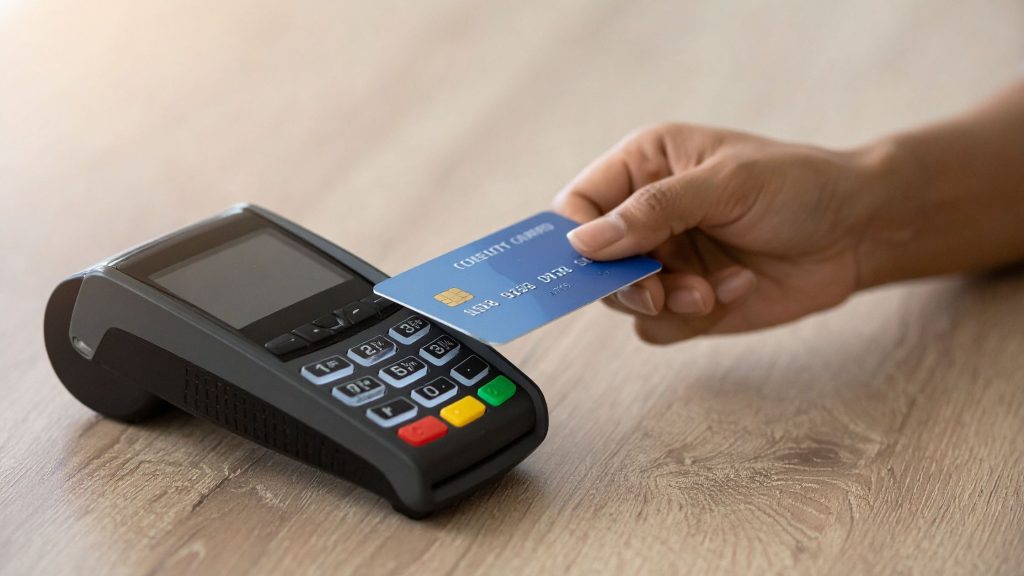
Floor limits and time windows
A floor limit is the maximum value a single transaction can have to be accepted offline. Most systems also cap the total offline value across an outage, and the number of hours transactions can sit unsent.
| Control | What it does | Typical setting |
|---|---|---|
| Per-transaction floor limit | Blocks large tickets offline | $50–$100 |
| Total offline ceiling | Caps aggregate exposure | Varies by processor |
| Time window | Forces the queue to send or void | 24–72 hours |
| Card type restrictions | Often blocks manual entry offline | Chip and contactless only |
Set these deliberately. A default floor limit of $100 in a restaurant with a $45 average ticket is generous; the same limit where large parties are common is exposure you have not thought about. Set it just above your realistic maximum ticket, not at whatever the vendor shipped.
What else breaks during an outage
Payments are only part of it. On a fully cloud-hosted POS, an internet outage can also take down order entry, menu access, reporting and online order ingestion. If the software itself lives in the browser, losing connectivity can stop you trading entirely, regardless of how payments are configured.
This is the strongest practical argument for a system that runs locally and syncs to the cloud, rather than one that only exists in the cloud. Floreant POS and ORO POS both run on the terminal itself, which means an outage degrades your service rather than stopping it. Our guide to cloud POS systems covers the trade-off between local and cloud-hosted architectures in more detail.
Setting up offline mode properly
- Turn it on before you need it. Offline mode almost always has to be enabled in advance. Discovering it was switched off during an outage is the common failure.
- Set a floor limit that matches your tickets. Just above your realistic maximum, not the vendor default.
- Test it. Unplug the router on a quiet Tuesday, take a real card, plug it back in, confirm the transaction settles. Do this once a quarter.
- Train staff on what to say. Staff should know they cannot verify funds and should use judgement on large tabs.
- Have a manual fallback. Paper tickets and a written note of the order sequence. It is not elegant and it works.
- Get a backup connection. A 4G/5G failover router costs less per month than one lost dinner service.
When to refuse offline payments
There are situations where the sensible answer is cash only until the connection returns:
- Tickets well above your floor limit, particularly large groups.
- Any transaction where the card would have to be keyed in manually.
- Outages that have already run several hours, where your queued exposure is mounting.
- Anything that feels wrong. Offline mode removes your fraud check, so your judgement is the only check left.
Cash, and why it still matters
The most reliable offline payment method remains cash. Restaurants that have gone fully cashless discover during their first serious outage that they have removed their own fallback.
You do not need to encourage cash to benefit from accepting it. Keeping a working cash drawer, a float and staff who know how to calculate change by hand costs almost nothing and converts a total outage into a partial one. It is also worth confirming your POS can record a cash sale with no connection at all — most local-install systems can, and some browser-based ones cannot.
Reconciling after the outage
When connectivity returns, the queued batch submits. This is the moment to check rather than assume:
- Confirm every queued transaction actually settled. Do not assume the queue emptied cleanly.
- Identify any declines immediately, while you may still recognise the table or have contact details from a booking.
- Reconcile the outage window against your paper tickets, not against the POS alone — the POS is the thing that was impaired.
- Record what happened. If outages recur, that log is what justifies a failover connection or a change of provider.
Most systems report failed offline transactions somewhere unobtrusive. Find out where that report lives before you need it, not on the morning after.
Common misconceptions
| What people assume | What is actually true |
|---|---|
| "Offline mode means the payment went through." | It means the card data was stored. Authorisation happens later. |
| "The processor covers offline declines." | In almost all agreements the merchant carries the loss. |
| "Any POS can take cards offline." | Only if the feature exists and was enabled in advance. |
| "Offline mode has no limits." | Floor limits, aggregate ceilings and time windows all apply. |
| "Cloud POS works fine offline." | Some keep trading; browser-only systems can stop entirely. |
The realistic view
Offline processing is a genuinely valuable safety net and you should have it configured. It is not a reason to tolerate an unreliable connection, and it is not a substitute for a failover. Think of it as an airbag: essential, and not something you plan your driving around.
If connectivity is a recurring problem at your site, weight that heavily in your POS choice. A system that keeps taking orders, printing to the kitchen and processing cash through an outage is worth considerably more than one that offers offline card capture but goes dark in every other respect. Our guide to choosing a restaurant POS covers how to test this before you buy.