 +1 (800) 844-6603
 Follow Us






Choosing the best POS system for restaurants can feel overwhelming, especially when daily operations already demand constant attention. Many restaurant owners struggle with slow billing, stock mismanagement, and disconnected systems. Therefore, selecting the right solution becomes critical for long-term growth and smoother service.
In this pillar guide, you will learn how modern POS solutions work, why they matter, and how features like point of sale systems for retail, pos system with inventory management, and pos system with website integration transform operations. Additionally, you will understand how to select the right system based on your business needs and long-term growth goals.
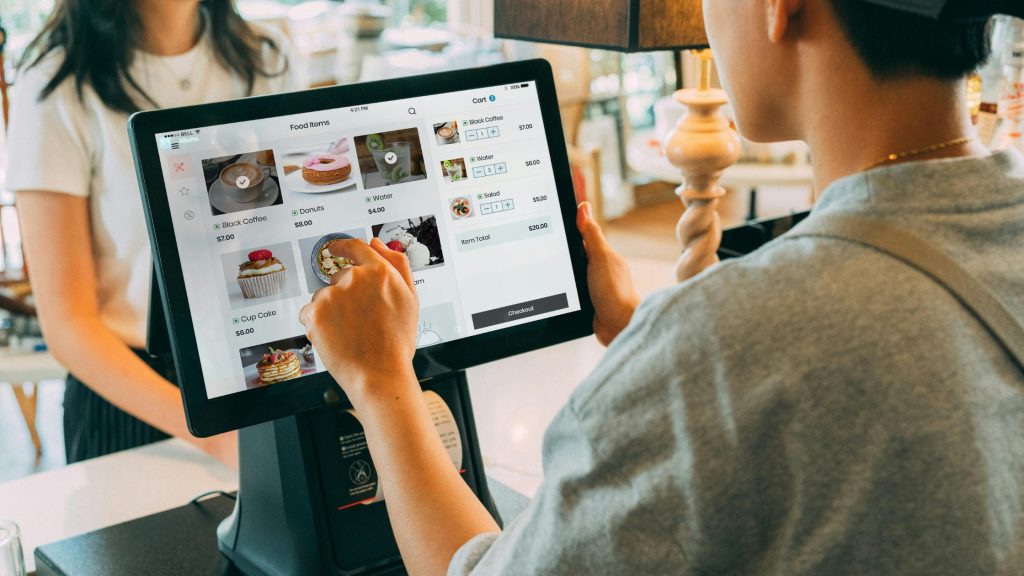
What Is a POS System and Why Does It Matter
A POS system acts as the central hub of your business operations. It manages billing, tracks sales, and organizes customer data in real time. However, modern POS systems go far beyond simple transactions.
They connect multiple business functions into one streamlined system. As a result, restaurant owners gain full visibility over performance. Furthermore, this integration reduces manual errors and improves overall efficiency.
Key Benefits of POS Systems
- Improves billing speed and accuracy.
- Tracks sales and customer behavior instantly.
- Reduces operational confusion.
- Enhances staff coordination.
- Supports business scalability.
Therefore, investing in the right POS system directly impacts revenue, customer satisfaction, staff productivity, order accuracy, daily efficiency, and long-term business growth.
The Best POS System for Restaurants: What to Look For
Selecting the best POS system for restaurants requires understanding specific features that support daily operations. Not every system delivers the same value.
1. Speed and Performance
A fast POS system ensures smooth billing during peak hours. Consequently, restaurants serve more customers without delays, long queues, checkout confusion, or pressure on front-desk staff during busy service times.
2. User-Friendly Interface
Staff must learn the system quickly. Therefore, an intuitive interface reduces training time, improves productivity, and helps new employees work confidently during busy shifts without constant manager support.
3. Real-Time Data Access
Business owners need instant insights. As a result, real-time reporting supports better decisions about sales, staffing, inventory, customer demand, menu performance, peak-hour planning, revenue trends, and daily operational improvements.
4. Integration Capabilities
Modern systems connect with payment gateways, inventory tools, and websites. This ensures seamless operations across platforms while reducing manual work, duplicate entries, data mismatches, and costly errors.
5. Scalability
As your business grows, your POS system must adapt. Therefore, scalability supports new locations, more users, advanced features, higher order volume, stronger reporting needs, smoother expansion, and long-term success.
Overall, the best POS system for restaurants should improve speed, simplify staff work, connect key tools, and support future business growth with confidence. Learn more about The Best POS System for Restaurants.
How Point of Sale Systems for Retail Support Restaurants
Although restaurants and retail businesses differ, point of sale systems for retail offer valuable functionalities that restaurants can use effectively. Retail POS systems focus on inventory tracking, customer data, and multi-location management. Therefore, restaurants adopting these features gain better operational control.
- Smarter Stock Control: Advanced inventory tracking helps restaurants monitor stock levels, reduce waste, and avoid shortages.
- Better Customer Insights: Customer purchase history helps businesses understand preferences and create more personalized service experiences.
- Easy Location Control: Multi-store management allows owners to control several branches from one connected system.
- Clear Business Reports: Centralized reporting gives owners accurate sales, inventory, and performance data in one place.
As a result, restaurants improve accuracy and reduce wastage. Additionally, these features help in scaling operations efficiently. Learn more about point of sale systems for retail.
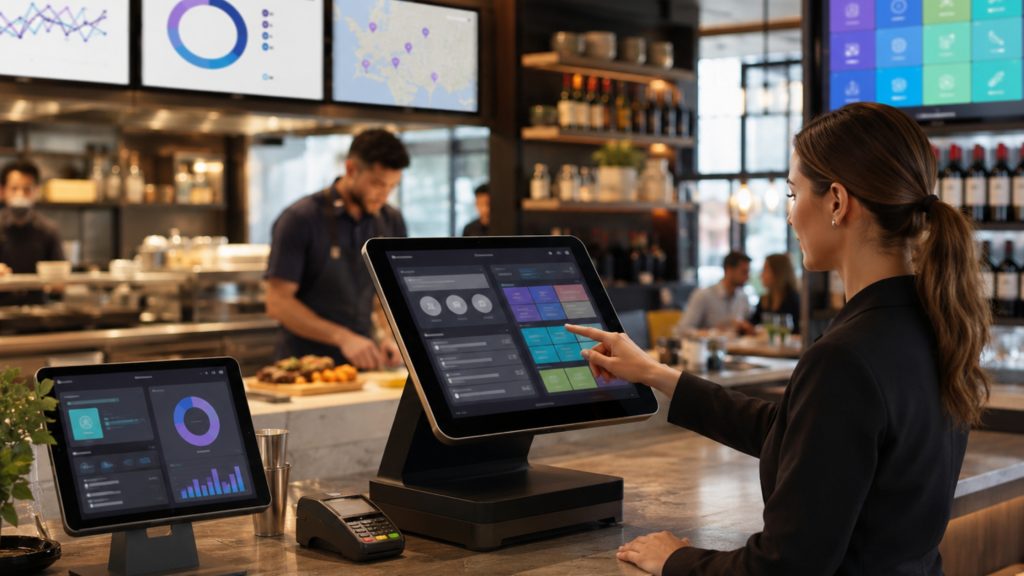
Why You Need a POS System with Inventory Management
Inventory control remains one of the biggest challenges in restaurant management. Without proper tracking, businesses face losses and inefficiencies.
A pos system with inventory management solves this problem by automating stock tracking and updates.
A. How Inventory Management Improves Operations
Inventory management gives restaurants better control over ingredients, stock movement, and daily purchasing decisions.
- Tracks ingredient usage in real time.
- Prevents overstocking and shortages.
- Sends low-stock alerts automatically.
- Reduces manual errors.
Furthermore, this system helps maintain consistency in food quality. Therefore, restaurants improve customer satisfaction while controlling costs.
B. Real Impact on Business
When inventory integrates with sales data, restaurants understand which items perform best. Consequently, they optimize menus and increase profitability.
- Identify top-selling menu items quickly.
- Reduce waste from slow-moving stock.
- Improve purchasing decisions with data.
- Increase profit through smarter planning.
Overall, a POS system with inventory management helps restaurants reduce waste, control costs, improve menu planning, and protect profit margins. Learn more about pos system with inventory management.
POS System with Website Integration: The Future of Restaurants
Digital presence has become essential for modern restaurants. Therefore, a pos system with website integration plays a crucial role in business growth. This feature connects online orders directly to your POS system. As a result, restaurants eliminate manual entry and reduce errors. Benefits of Website Integration:
- Unified Order Flow: Syncs online and offline orders into one connected system for smoother operations.
- Automatic Menu Updates: Updates menu prices and items across all platforms automatically.
- Better Ordering Experience: Makes ordering smoother, faster, and more convenient for customers.
- Less Manual Work: Reduces staff workload by limiting repeated manual order entry and daily processing errors.
- Connected Sales Tracking: Centralizes sales data across all channels for clearer business performance insights.
Additionally, this integration supports delivery platforms and online reservations. Therefore, restaurants expand their reach, improve customer access, simplify order handling, and grow without increasing operational complexity. Learn more about pos system with website integration.
How Integration Improves Overall Business Efficiency
A fully integrated POS system creates a connected ecosystem. Every operation flows smoothly from one stage to another.
Key Advantages:
- Seamless communication between departments.
- Faster order processing during busy service hours.
- Better staff coordination across all restaurant departments.
- Accurate reporting for smarter daily business decisions.
As a result, businesses operate more efficiently. Furthermore, this reduces stress on staff and improves customer service.
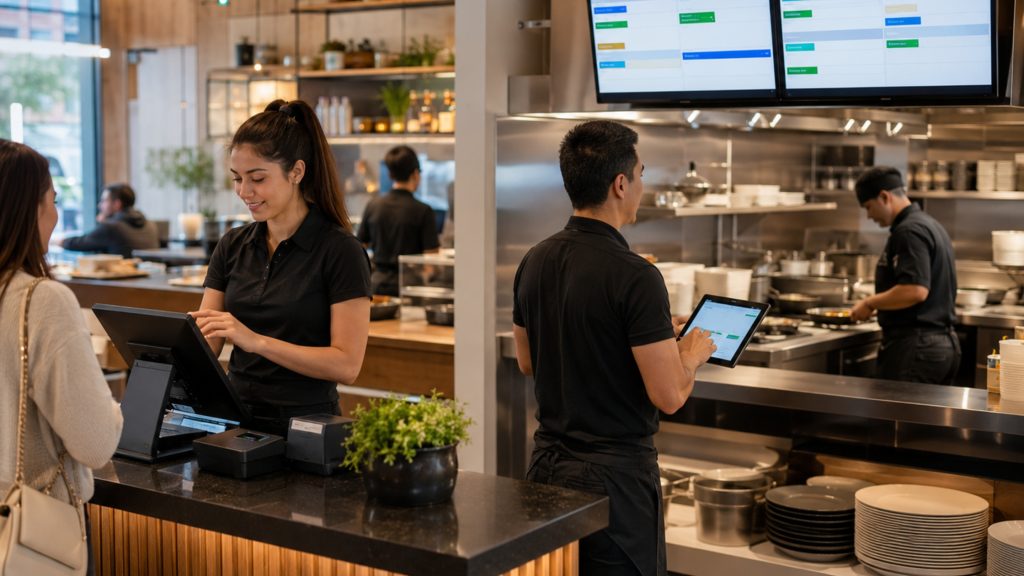
Common Mistakes to Avoid When Choosing a POS System
Many businesses make poor decisions when selecting a POS system. Therefore, understanding these mistakes helps you avoid costly errors.
1. Choosing Based on Price Alone
A cheaper system may lack essential features. Therefore, always focus on value rather than cost, because missing tools can create higher expenses, operational delays, staff frustration, reporting gaps, and upgrade problems later.
2. Ignoring Integration Features
Without integration, operations remain disconnected. Consequently, efficiency decreases, staff repeat tasks manually, and business data becomes harder to manage accurately across sales, inventory, and online ordering channels.
3. Overlooking Scalability
A system that cannot grow with your business creates future problems, especially when order volume, staff size, locations, reporting needs, customer expectations, integration demands, and daily operational complexity increase.
4. Not Testing Before Implementation
Testing ensures the system works in real conditions. Therefore, always run a trial before full deployment to identify issues early, train staff properly, fix workflow gaps, and avoid operational disruption.
Avoiding these mistakes helps businesses choose a reliable POS system that supports daily operations, future growth, and smoother customer service.
Step-by-Step Guide to Choosing the Right POS System
Selecting the right system requires a structured approach that reviews business needs, compares features, checks integrations, tests performance, and prepares staff for smooth adoption.
A. Identify Business Needs
Understand your operational challenges, daily workflow gaps, staff difficulties, and customer service issues. This clarity helps in choosing the right features for smoother operations and better long-term business performance.
B. Compare Available Options
Evaluate different systems based on features, pricing, support, ease of use, scalability, integration options, reporting tools, security, customization, vendor reliability, upgrade flexibility, and long-term business value.
C. Check Integration Capabilities
Ensure the system supports inventory, website, payment integrations, online ordering, delivery platforms, accounting tools, customer data, reporting dashboards, marketing tools, and other essential business software.
D. Test the System
Run a trial phase to identify potential issues, check real-time performance, review workflow efficiency, test integrations, collect staff feedback, fix errors, verify reporting accuracy, and confirm staff can use it easily.
A careful selection process helps businesses choose a POS system that fits current operations, supports future growth, and improves daily performance.
Final Checklist Before Choosing a POS System
Before making the final decision, restaurants should review the most important factors carefully. The right POS system should match the restaurant’s workflow, service style, inventory needs, website connection, and daily operational requirements. It should also help staff learn quickly, reduce errors, improve order handling, and support smoother service during busy hours.
Additionally, restaurants should choose a system that supports future growth. A growth-ready POS can manage higher order volume, new locations, advanced reporting, and connected sales channels. Therefore, this final review gives restaurant owners more confidence before investing in a POS system that can support both present needs and future expansion.
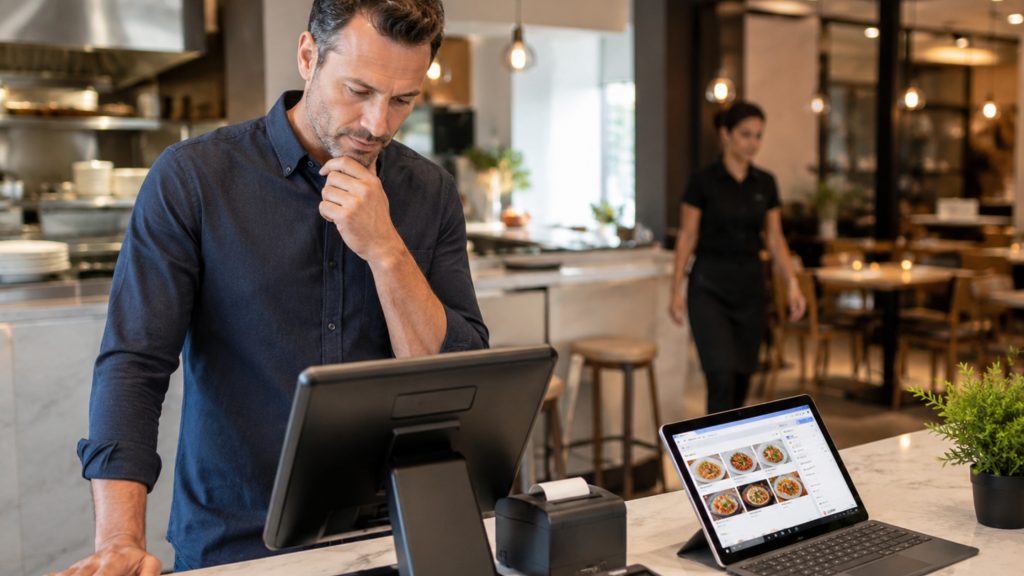
How the Right POS System Drives Business Growth
A well-designed POS system does more than manage operations. It actively contributes to business growth.
Growth Benefits
- Increases revenue through faster service.
- Improves customer retention.
- Reduces operational costs.
- Enhances decision-making.
Therefore, investing in the best POS system for restaurants becomes a strategic move rather than just a technical upgrade.
Conclusion
Choosing the best POS system for restaurants directly impacts how efficiently your business operates and grows. From improving billing speed to enabling pos system with inventory management and pos system with website integration, the right system transforms every aspect of your operations.
Moreover, integrating features from point of sale systems for retail gives restaurants an additional advantage in managing inventory and scaling operations. Therefore, investing in a smart, scalable, and integrated solution becomes essential.
If you want a reliable and efficient POS solution tailored for modern businesses, OroCube POS provides advanced features designed to simplify operations and support long-term growth.